Blog · July 29, 2026
Album drop at midnight: how a bedroom producer built a launch-day Instagram post in twenty minutes
A synthwave producer needed a launch-night Instagram post that felt like the record. Here is how SkyCanvas turned a rushed evening into an on-brand square graphic with a trackable pre-save link.
Marisol Vega records as Neon Wren Audio from a converted garage in East Austin. Warm mid-tempo synthwave, the kind that sounds like a long drive past a shuttered arcade. Her third EP, Slow Signals, releases at midnight, and it is currently a little after seven in the evening.
The record is finished. The distribution is set. The pre-save link exists. What she does not have is the one thing her audience will actually see first: a launch-night Instagram post that looks like the music sounds.
She has been in the studio for three weeks, not in a design tool. So she opens SkyCanvas, promises herself twenty minutes, and gets to work.
1. Telling SkyCanvas who Neon Wren Audio is
Before anything gets designed, Marisol fills in her profile. This is the shortcut that pays for itself later. Once SkyCanvas knows what Neon Wren Audio does, who listens, and what the vibe is, every AI suggestion downstream stops being generic and starts sounding like her.
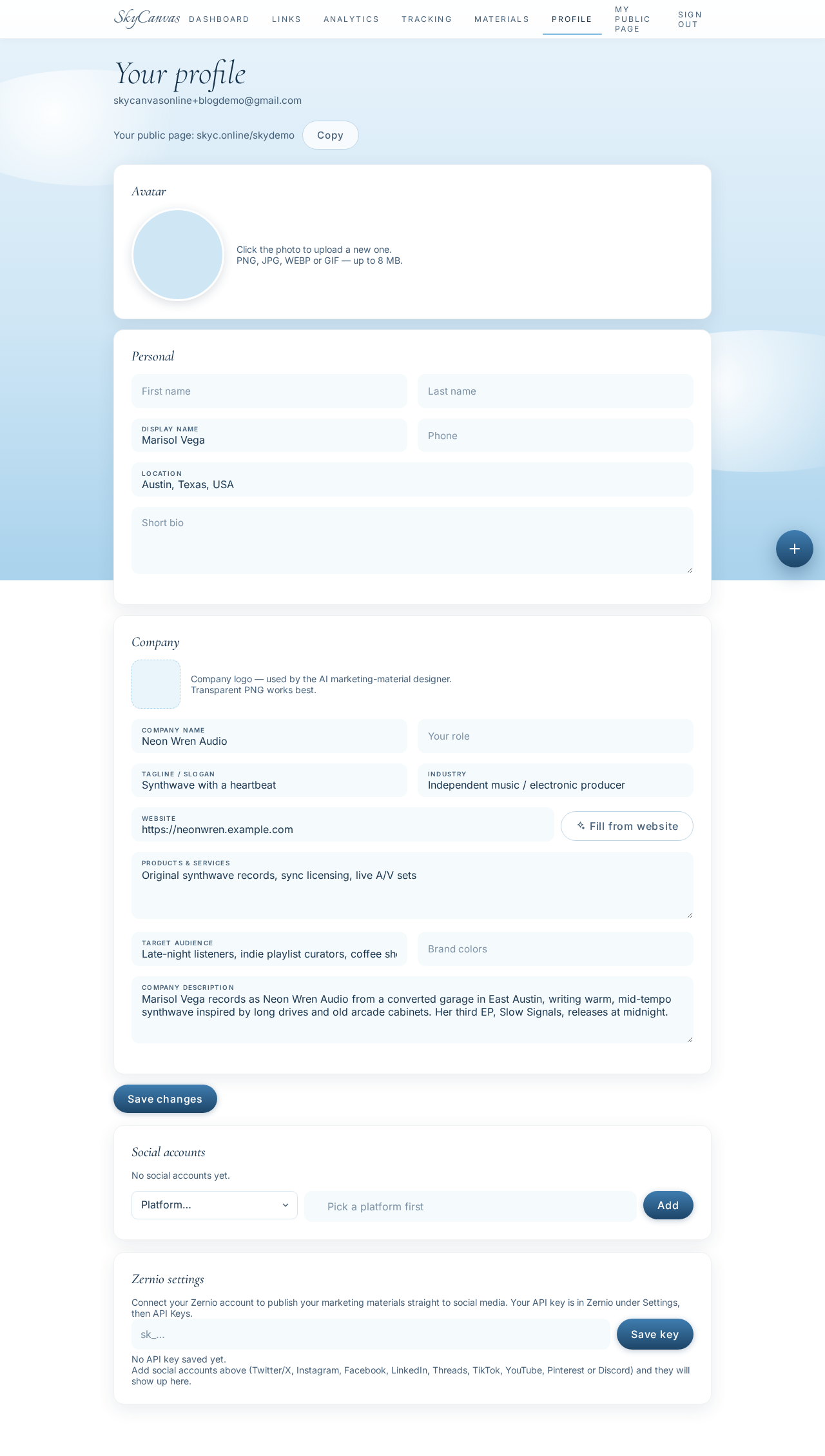
The profile page filled in with the business details for Neon Wren Audio: name, tagline “Synthwave with a heartbeat,” industry, services and target audience. Late-night listeners, indie playlist curators, coffee shops and bars looking for atmospheric music. That is the audience the graphic needs to stop mid-scroll.
2. The pre-save link, made short and human
Next she creates the short link that will live in the post caption, her bio, and eventually the QR code on the flier. The destination is her pre-save landing page, but the URL people will actually see is friendly: skyc.online/slow-signals.
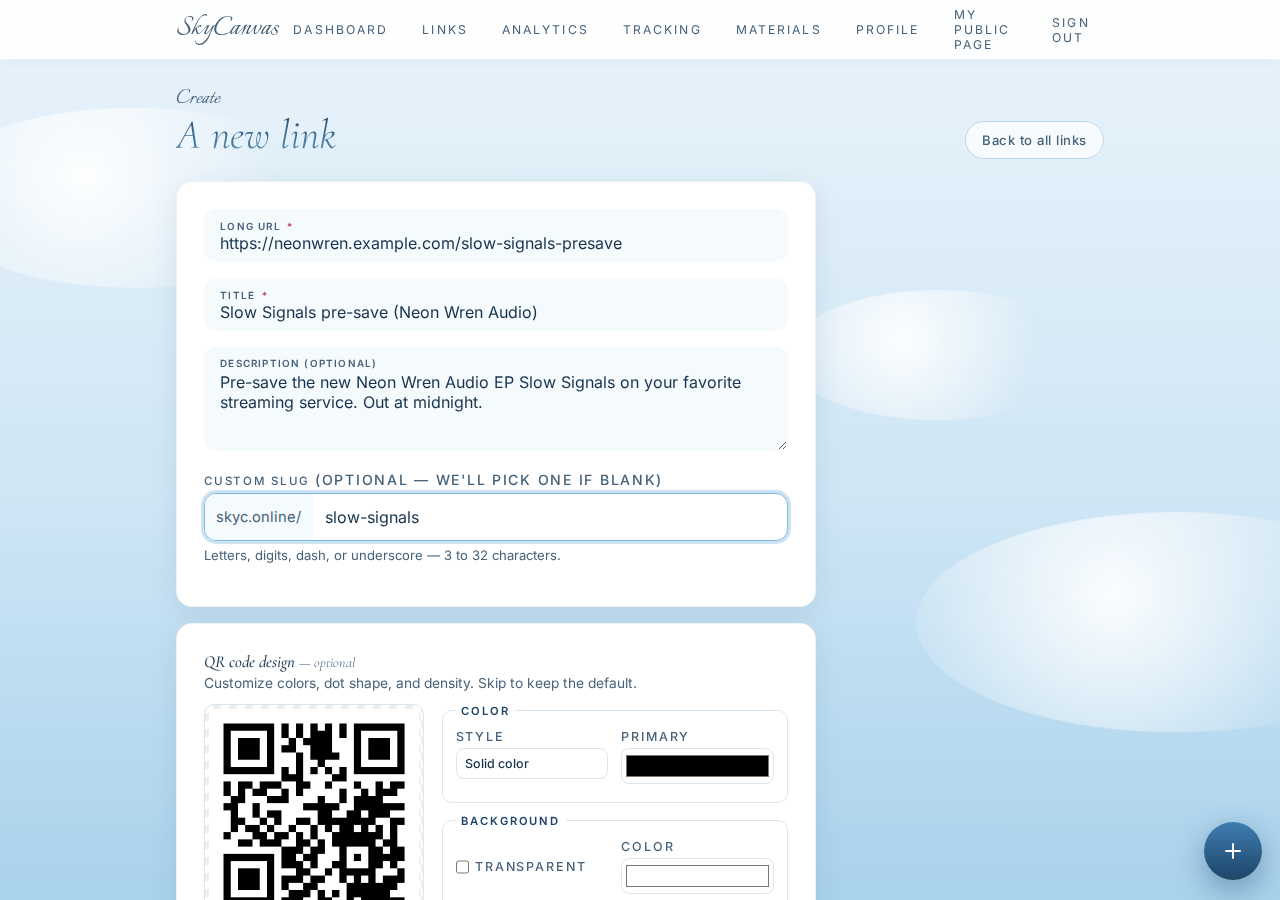
The “new short link” form with the destination URL, a title, a description, and a custom slug. On the right, a live QR preview updates as she types. The slug matters more than it looks: slow-signals is what fans will type in from a photo of the post, and it is what future analytics will label.
3. One link, one QR, one page
The moment she hits create, SkyCanvas gives her a link detail page: the short URL, the destination it points at, and a generated QR code ready to download or drop straight into a design.
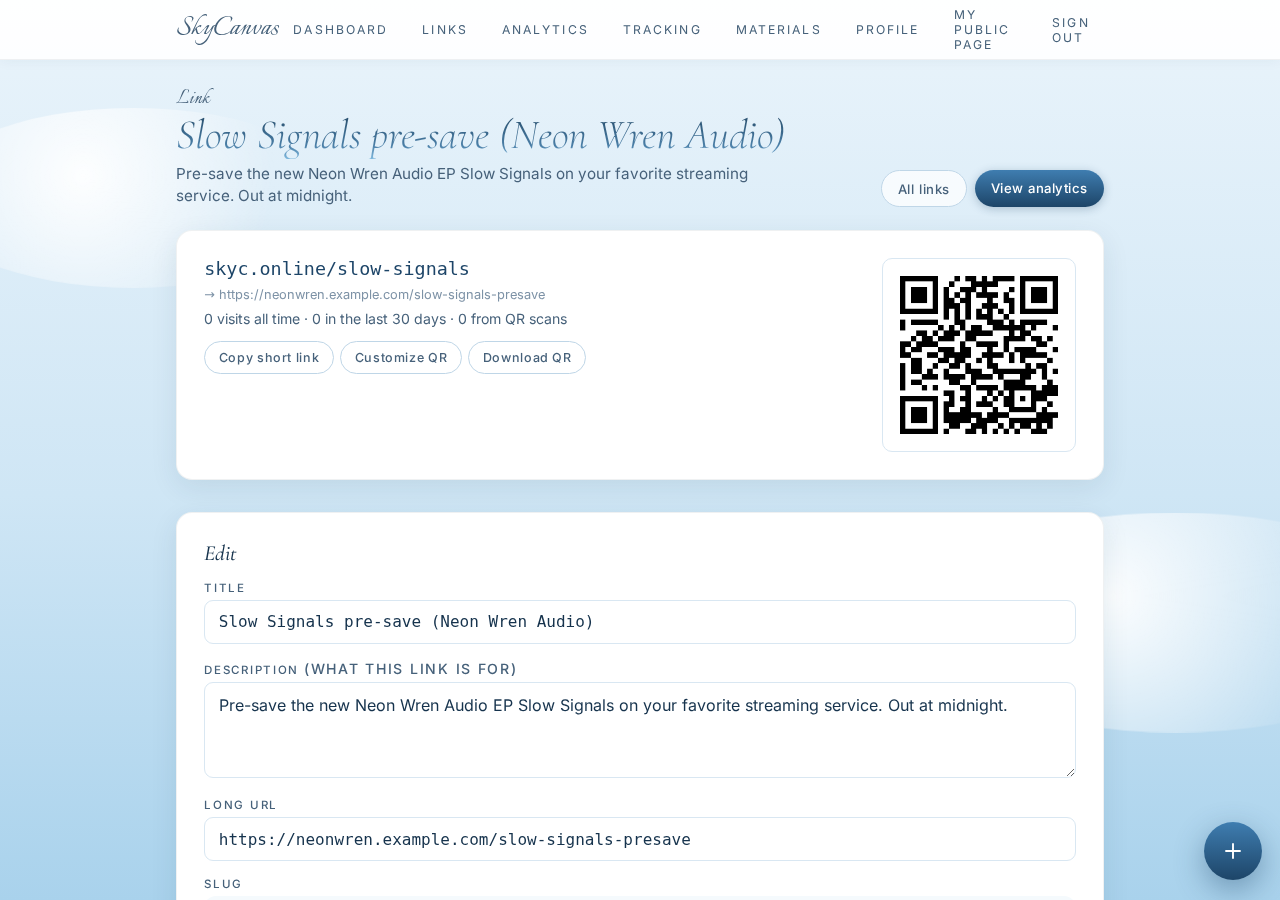
The link detail page right after creation. Everything Marisol needs for the launch, gathered in one place: a shareable short URL, the pre-save destination behind it, and a QR she can attach to physical flyers at the release show next week.
4. Making the QR look like the record
A plain black QR would work. It would also look like a parking receipt. Marisol opens the QR styling panel and drops in the two colors that already run through the EP artwork: hot pink and electric purple.
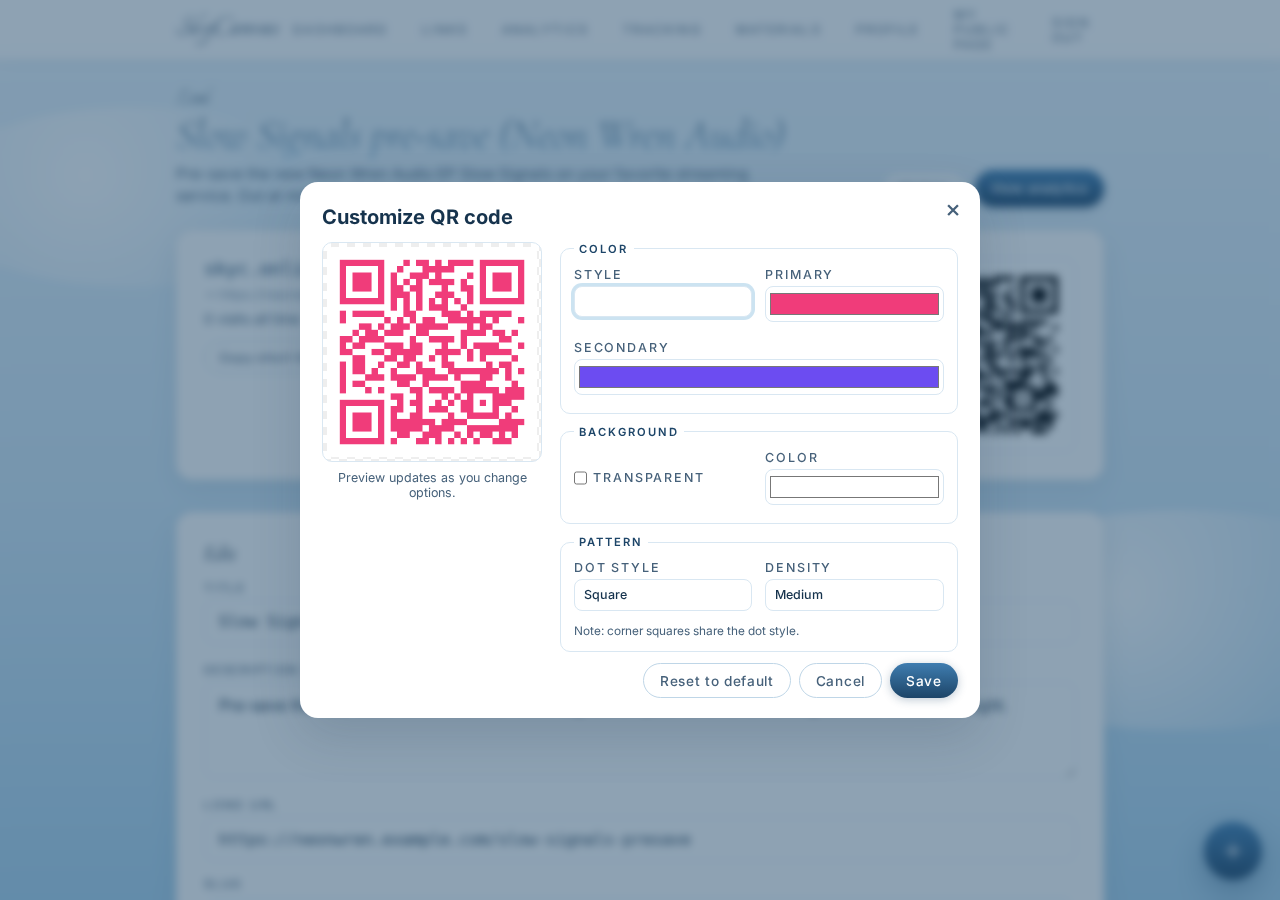
Customizing the QR code style on the link page. Brand colors applied to the QR modules, live preview updating in place. The result still scans cleanly on a phone camera, but now it belongs to Slow Signals instead of looking like a shipping label.
5. Starting the Instagram post
With the link and QR handled, she opens a new design. The size preset she picks is Instagram post, a clean 1080 by 1080 square. She attaches her freshly made short link to the design so the QR travels with the file automatically.
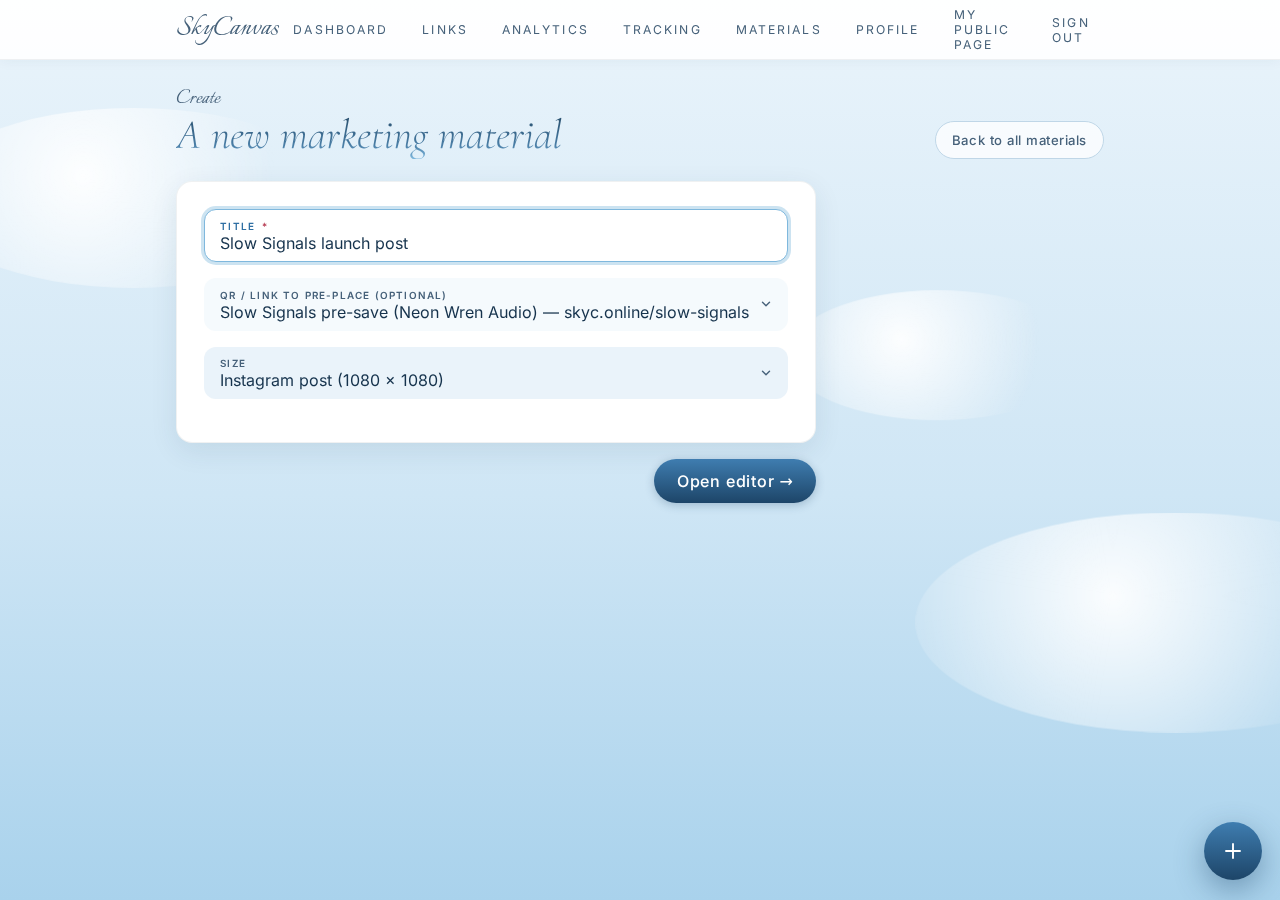
Starting a new design: title, size preset, and the short link selected so its QR gets placed in the design without her having to import an image later. That connection between link and design is small, but it removes the exact step people usually skip and regret.
6. The editor, and the button that saves the evening
The design editor opens with a blank canvas, the usual drawing tools, and a layers panel down the side. Marisol could absolutely build the post by hand. She has done that before. Tonight she has less than five hours until the record is public, and she reaches for the Design with AI button in the toolbar.
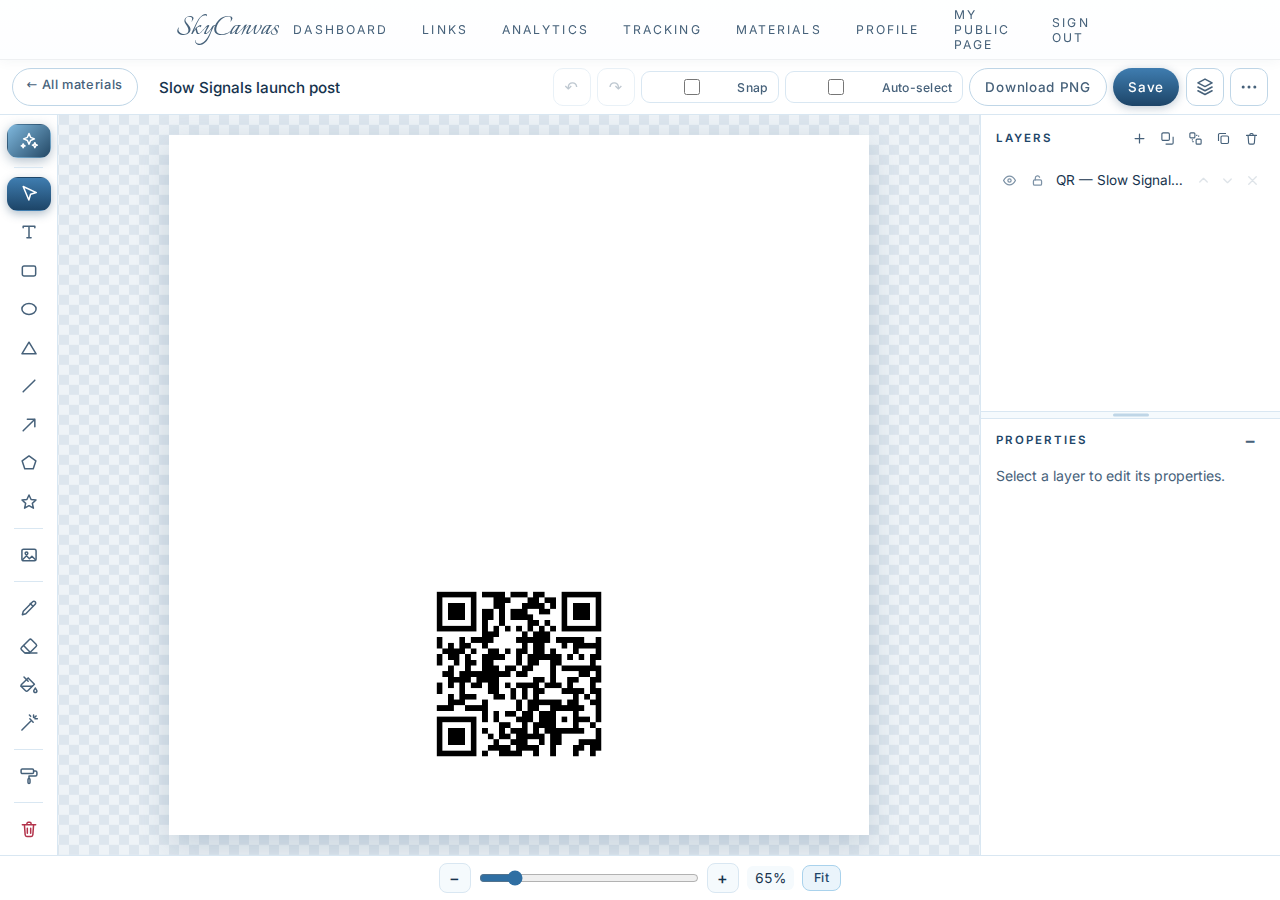
The SkyCanvas design editor. Canvas in the middle, tools on the left, layers on the right, and the AI button waiting up top. This is the fork in the road: hand-craft it, or brief the AI like an art director briefs a designer.
7. Writing the brief in plain English
The AI modal is not a prompt puzzle. It is a text box with room to be specific. Marisol writes the brief the same way she would describe the record to a friend: rain-slick city street at night, hot pink and electric purple neon reflected in puddles, distant tail lights, an old arcade sign in the bokeh, cinematic and warm and a little melancholic. She sets the background mode to Real photo so Claude art-directs a photographic design instead of a flat illustration.
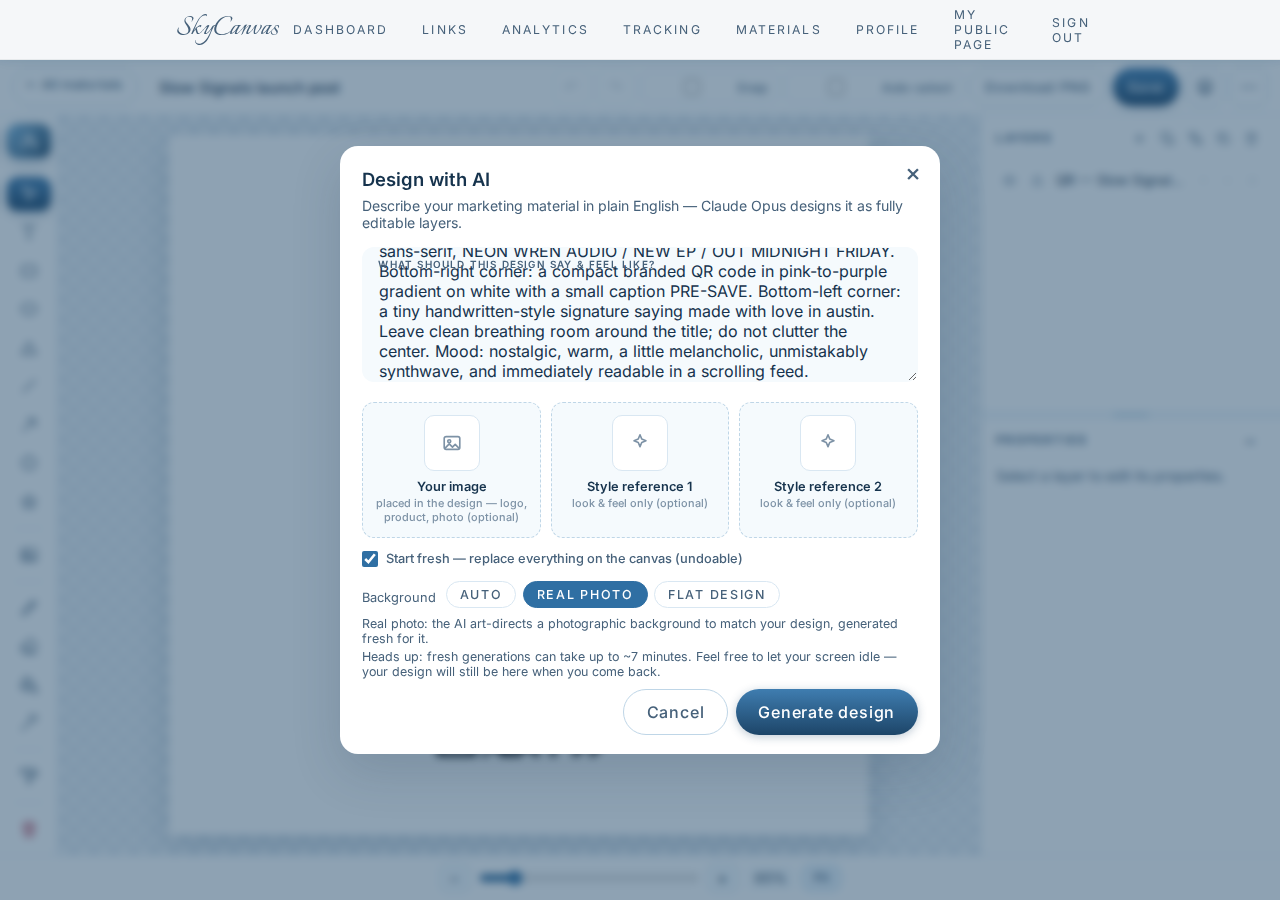
The “Design with AI” modal with a plain-English brief and the “Real photo” background mode selected. She asks for the title SLOW SIGNALS in a bold serif with a subtle pink chromatic aberration, a smaller line reading NEON WREN AUDIO, NEW EP, OUT MIDNIGHT FRIDAY, the branded QR tucked into the bottom-right with a PRE-SAVE caption, and a tiny signature in the bottom-left. She hits generate.
8. The graphic that came back
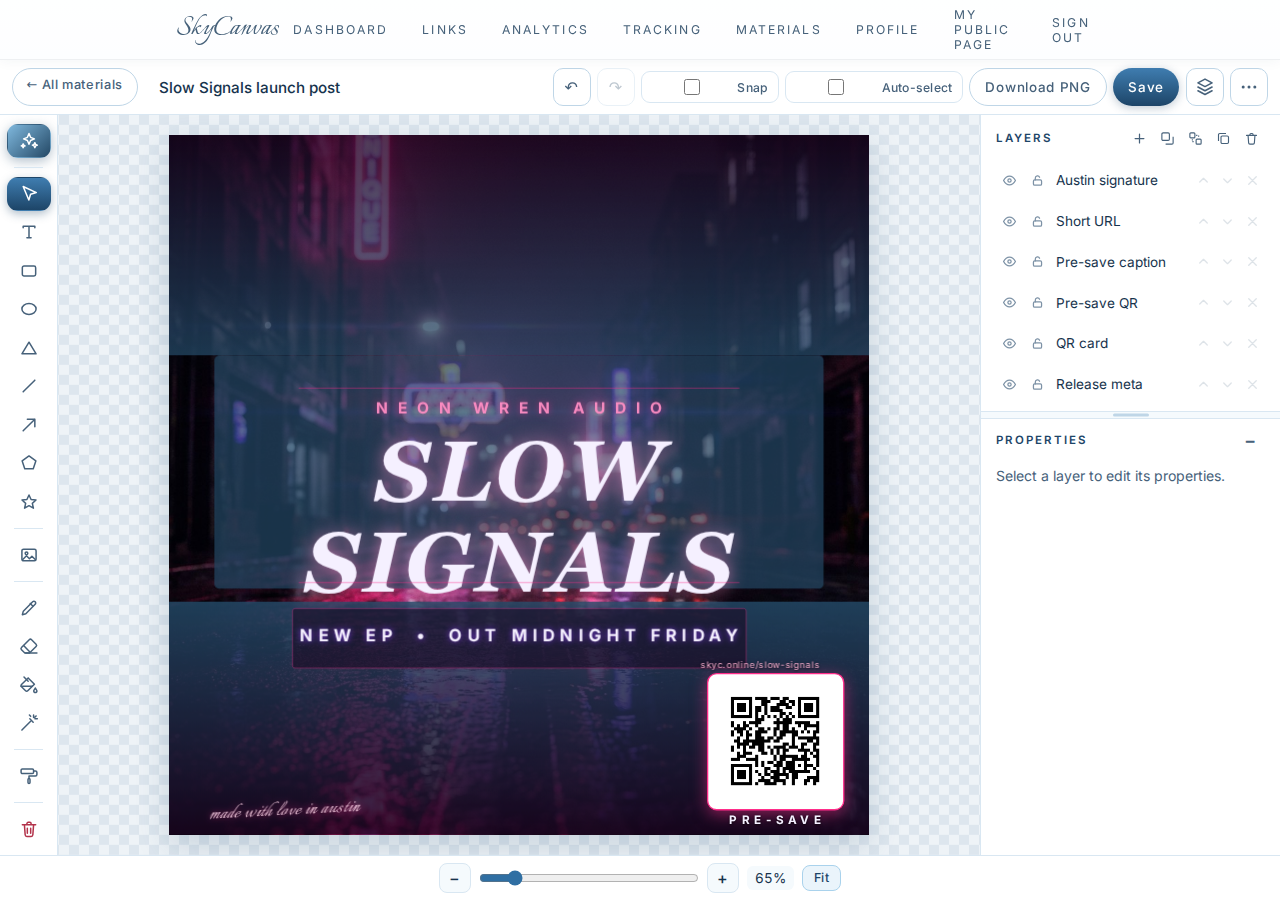
A minute later the canvas fills in. A rain-slick street, neon smeared into the puddles, a blurred arcade sign glowing in the distance. SLOW SIGNALS sits high and clean, off-white with the faintest pink fringe, breathing room around it. Below: NEON WREN AUDIO. NEW EP. OUT MIDNIGHT FRIDAY. Bottom-right, her pink-to-purple QR code with the PRE-SAVE caption. Bottom-left, in a small handwritten script: made with love in austin.

The finished AI-designed flier sitting on the canvas as ordinary editable layers. Headline, colors, QR code and layout are all generated from the brief, but nothing is locked. If she wanted to nudge the title down a hair or swap the sub-line for a track name, she could. She does not need to. It already looks like the record.
What actually changed for Marisol tonight
She started the evening with a finished EP and no launch post. Twenty minutes later she has an on-brand Instagram graphic, a short link she can drop in the caption and the bio, and a QR that ties the paper flyers at next week’s release show back to the same trackable destination. Everything points at skyc.online/slow-signals, so whatever gets scanned, tapped, or typed, she will see it show up in one place.
The record still has to speak for itself at midnight. That part is not SkyCanvas’s job. But the first frame people see before they press play, the one that has to feel like Slow Signals looks like Slow Signals, that is done. And she can go eat dinner.
If you have a launch coming up and you would rather spend the evening on the work than on the post, start with SkyCanvas. Fill in your profile, make one short link, and let the AI art-direct the rest.
Neon Wren Audio is a fictional business we created to show a real SkyCanvas workflow. Every screenshot is real, captured live while writing this guide.